Environment wear pipeline
Rephrased environments read as ruins, so every building module carries edge wear: rounded edges, chips, cracks and scratches. Artists model a clean low poly. Houdini generates the worn high poly, Substance Painter bakes it down, and Unreal layers materials on top using the baked masks.
The pipeline is a working prototype. One test asset runs through every step below.
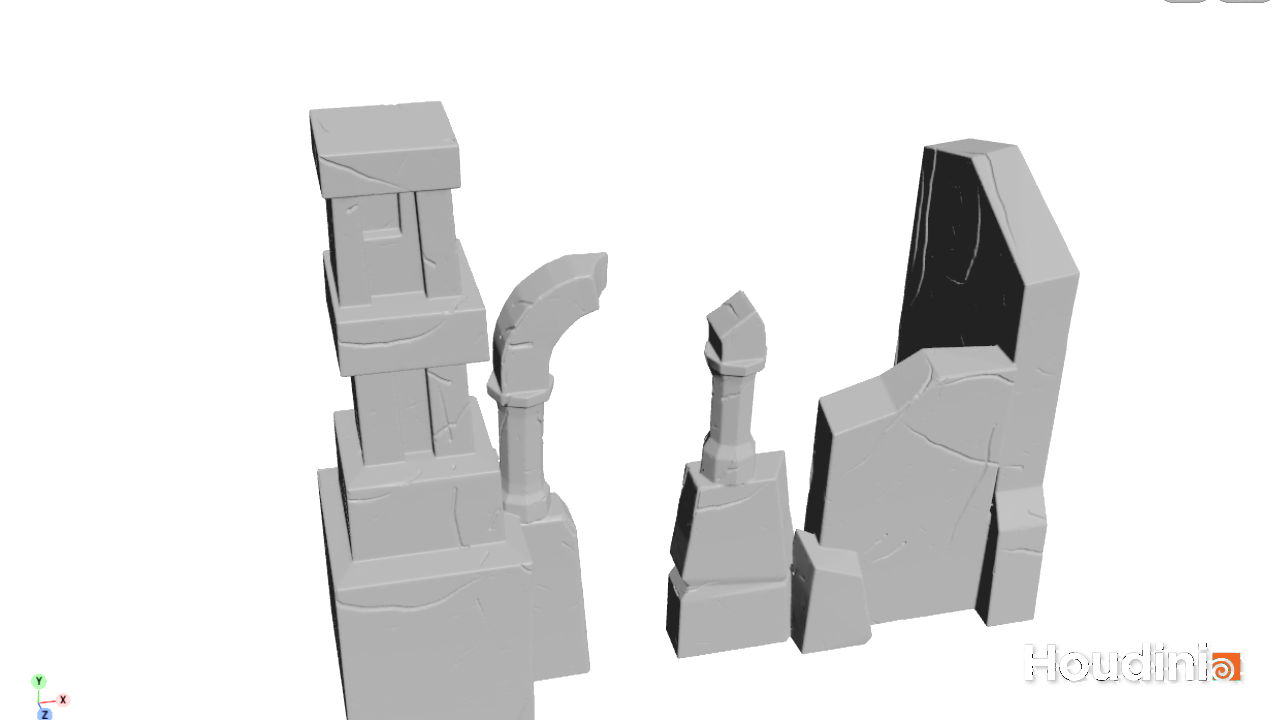
Flow
| Step | Tool | In | Out |
|---|---|---|---|
| 1. Model | Your modeling package | Concept, block-out | Unwrapped low poly FBX |
| 2. Sculpt | Houdini, Rephrased Auto Sculpt | Low poly FBX | SM_<name>_high.obj |
| 3. Bake | Substance 3D Painter | Low poly + high poly | T_<name>_N, T_<name>_MASKS |
| 4. Material | Unreal Engine | Low poly FBX + the two textures | Material instance on the mesh |
The low poly never changes after step 1. The high poly exists only to be baked and stays out of Unreal.
Low poly requirements
- Centimetres. A building reads in the hundreds of units. The tool shows the model size at the top of its panel.
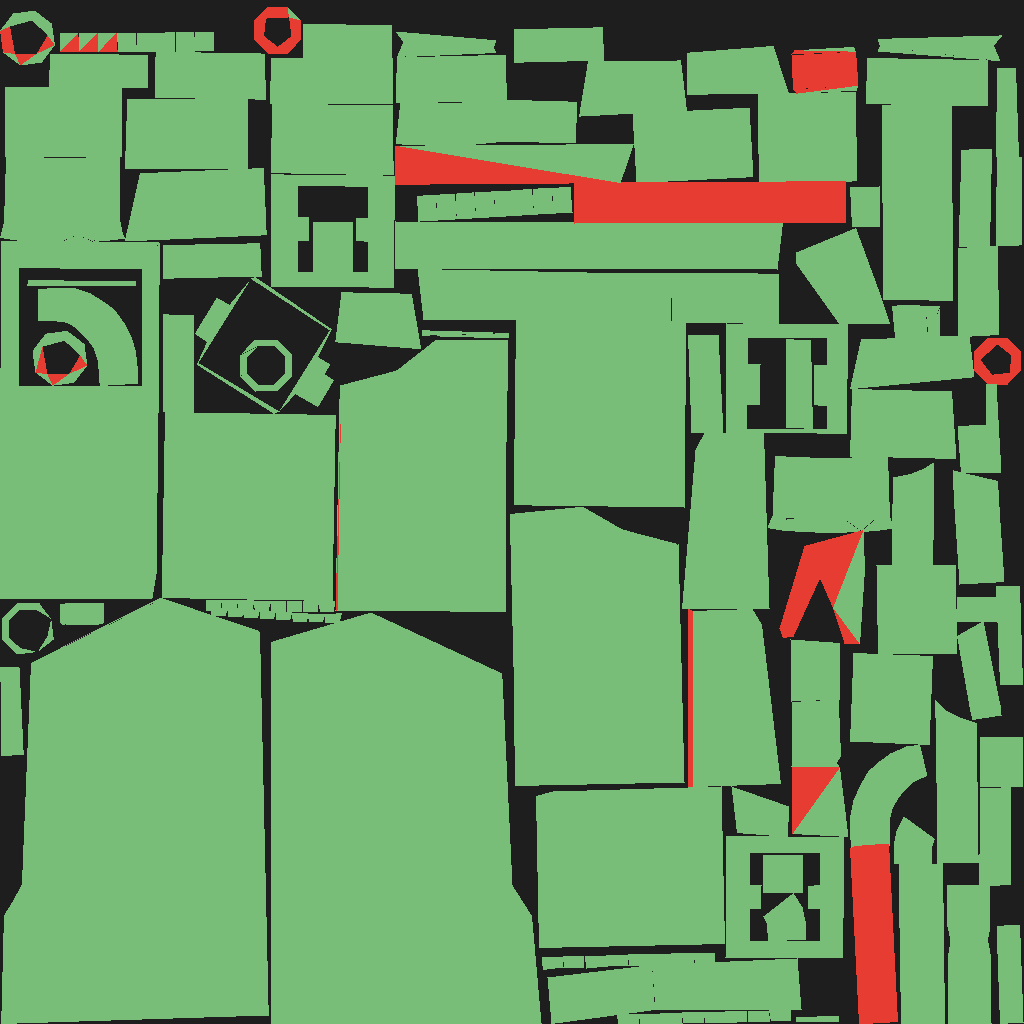
- One UV set, no overlaps. Every face gets its own texture space.
- UVs strictly inside 0–1. A vertex at -0.001 stops the bake project from loading.
-
No faces buried inside other blocks. Where one block pushes into another, delete or trim the hidden faces. A face that is partly buried bakes with a sawtooth edge along its visible rim, and buried faces spend texture space on surfaces nobody sees.
-
Split large structures into kit pieces. Texture sharpness comes from texel density. A whole 7 m building on one 4096 map holds about 3.5 pixels per centimetre; a 2 m kit piece on its own 2048 map holds about 10.
Step 2: Houdini
Rephrased Auto Sculpt is a Houdini digital asset. It runs in Houdini 22.0 or newer, including the free Apprentice edition. The tool lives in the depot under tools/rephrased-auto-sculpt/:
| File | Contents |
|---|---|
RephrasedAutoSculpt_v2.1.zip |
The tool, a starter scene, an example mesh and a README. Unzip it anywhere outside the depot. |
RephrasedAutoSculpt_Guide.pdf |
An 11-page illustrated walkthrough of the steps below. |
- Open
RephrasedAutoSculpt_Start.hipnc, or installotls/rephrased_auto_sculpt.hdancthrough Assets > Install Asset Library. -
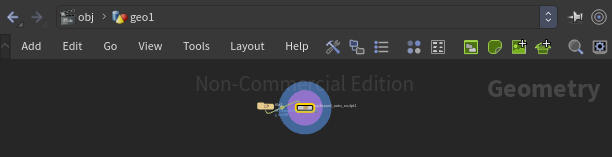
Load your low poly in a File node and wire it into the tool's first input.
-
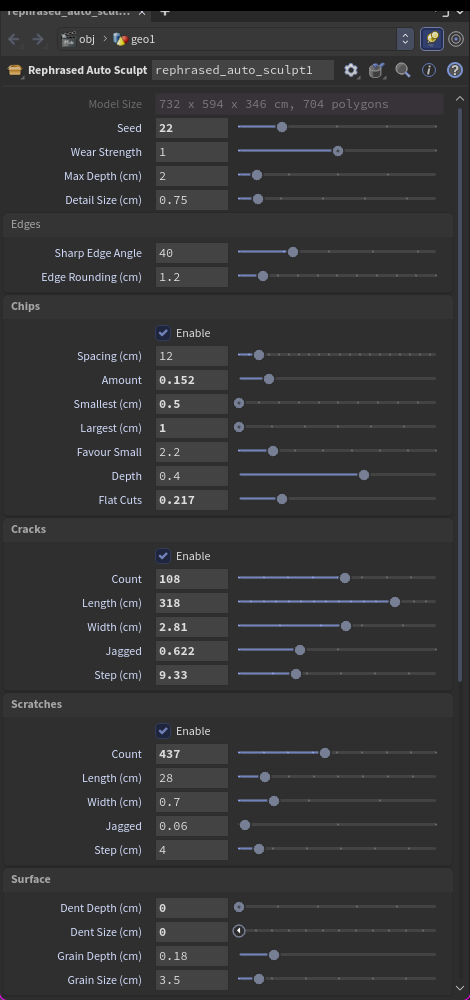
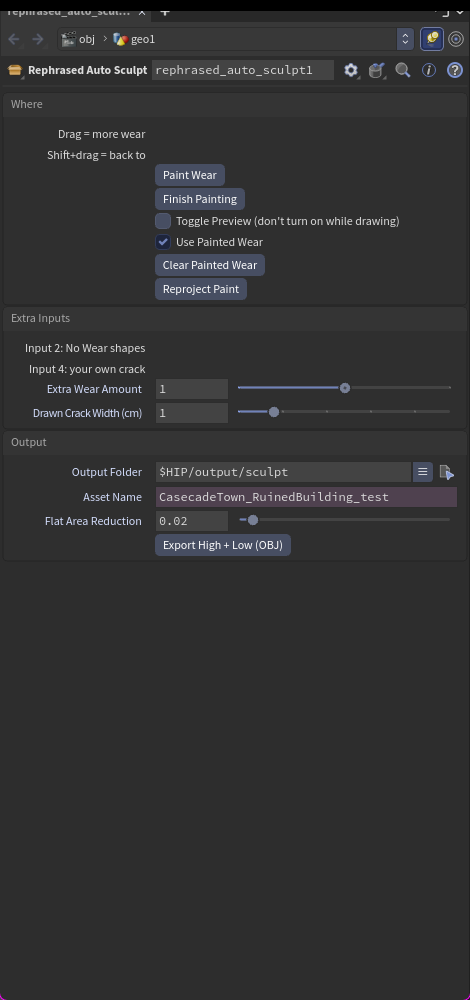
Set Detail Size to 2–3 while tuning. Adjust Wear Strength, Seed, and the Chips, Cracks, Scratches and Surface sections. Every control has a tooltip.
-
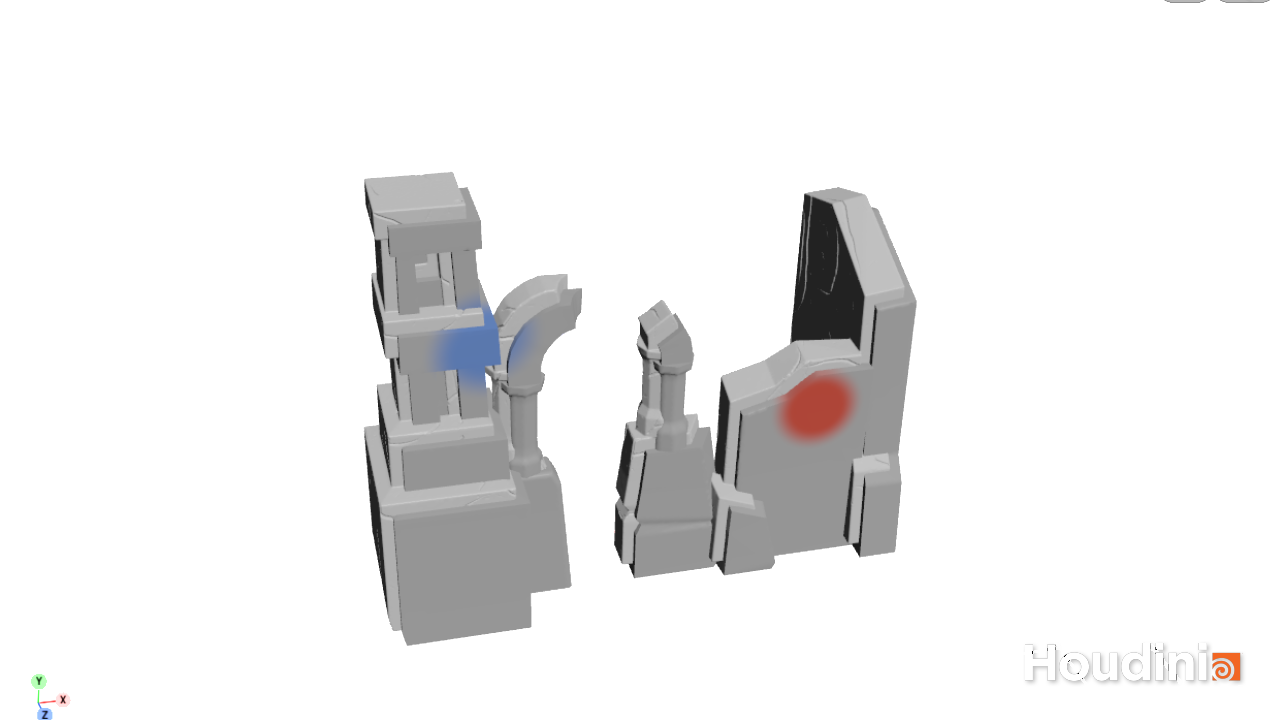
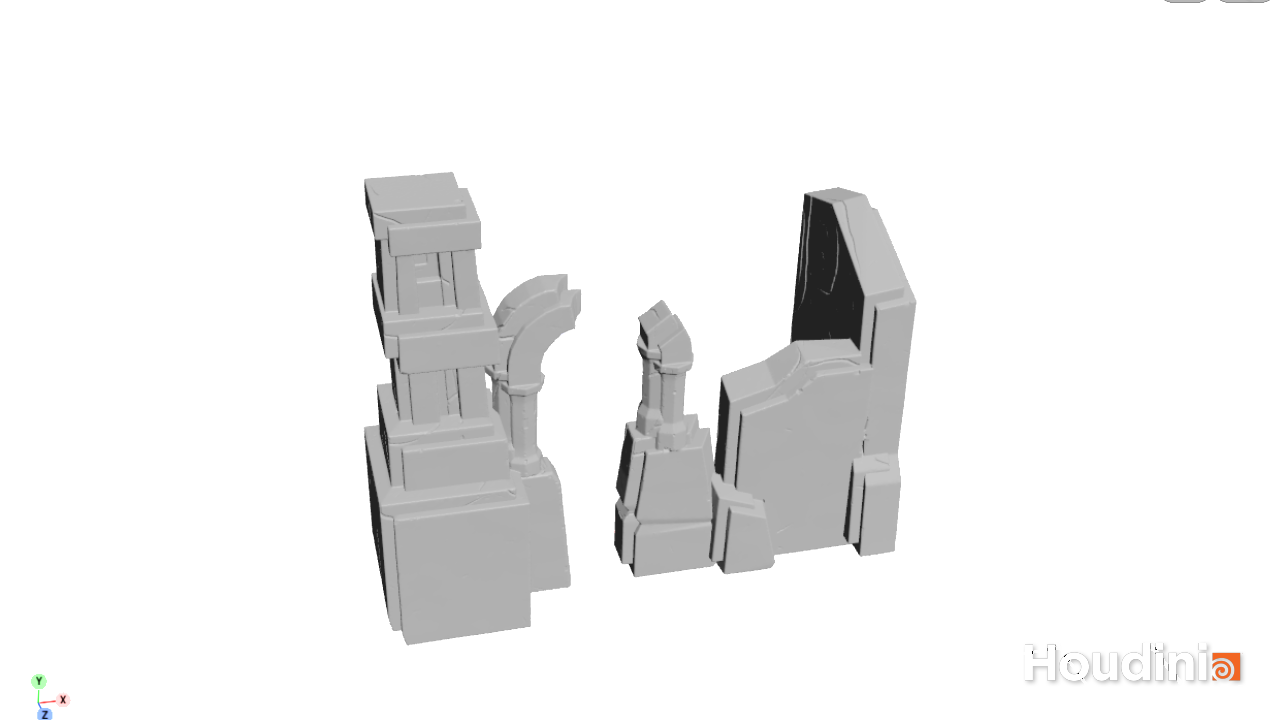
Press Paint Wear to choose where wear goes: drag for more, Ctrl+drag for none, Shift+drag to return to normal. Toggle Preview in the floating panel shows the sculpt while you stay in the brush.
-
Save the scene, set Detail Size to 0.75, and press Export High + Low (OBJ).
Keep Chips > Largest near 6 cm and Max Depth near 2 cm. A normal map changes shading, not silhouette, so large breaks belong in the low poly.
Step 3: Substance Painter
Painter bakes the high poly onto the low poly and produces two textures. It is used only for baking and masks; the look is built in Unreal.
Bake settings
| Setting | Value |
|---|---|
| Output size | 4096 |
| Antialiasing | Subsampling 4x4 |
| High definition mesh | SM_<name>_high.obj |
| Mesh maps | Normal, World space normal, Ambient occlusion, Curvature, Position, Thickness |
| Normal format | DirectX |
Smart material: Rephrased_Masks
Apply it after baking. It contains three fill layers and exists only to generate masks, so the model looks black and glossy in the viewport.
| Layer | Channel | Mask |
|---|---|---|
Dirt_Roughness |
Roughness = 1 | Dirt generator: Dirt Level 0.4, Dirt Contrast 0.4, Grunge Amount 0.2, Edges Masking 0.3 |
Curvature_BaseColor |
Base color = white | Curvature generator: Sharp 1, Fine 0.6, all broader scales 0, Global Balance 0.38, Global Contrast 0.45 |
Base |
Base color, roughness, metallic = 0 | None |
Export
Each asset exports two PNG files:
| File | Contents |
|---|---|
T_<name>_N |
Normal map, DirectX |
T_<name>_MASKS |
R = curvature (edges, cracks, chips), G = dirt (crevices and junctions), B = ambient occlusion |
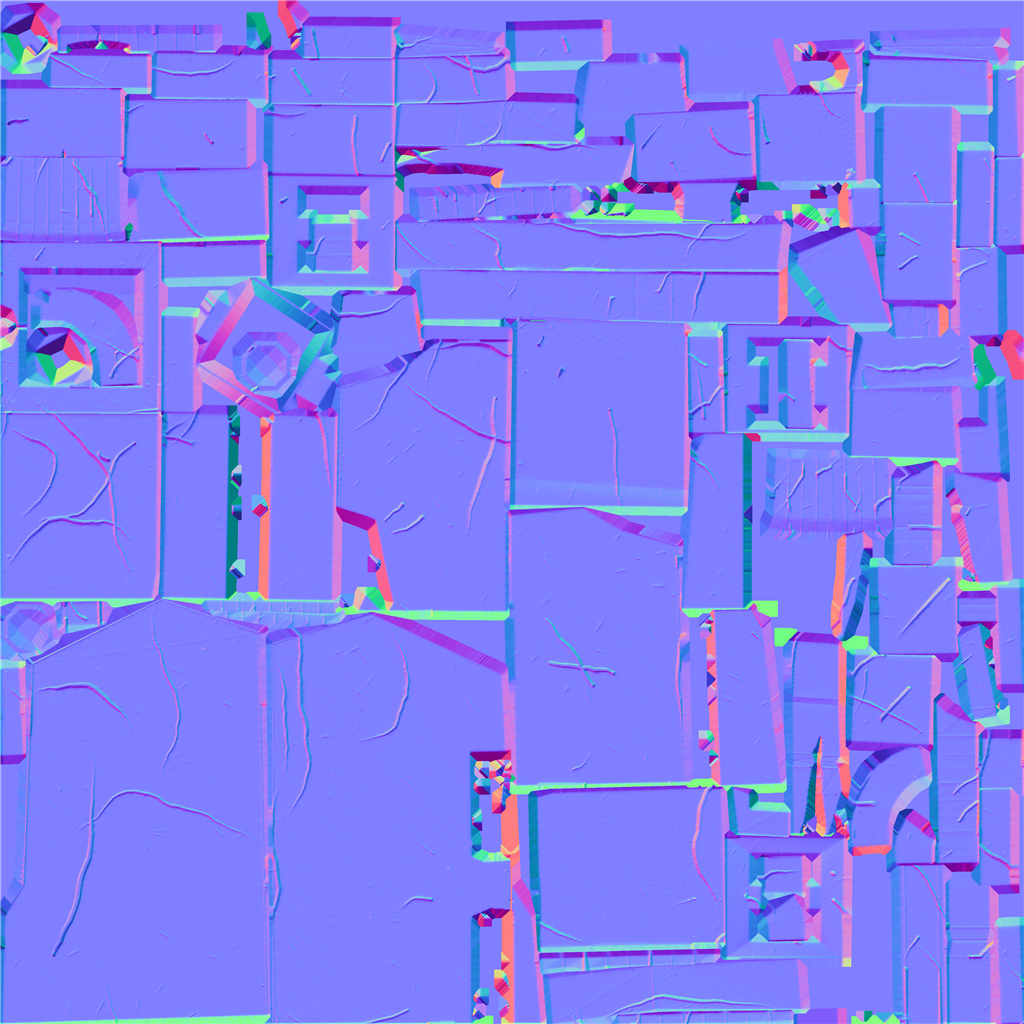
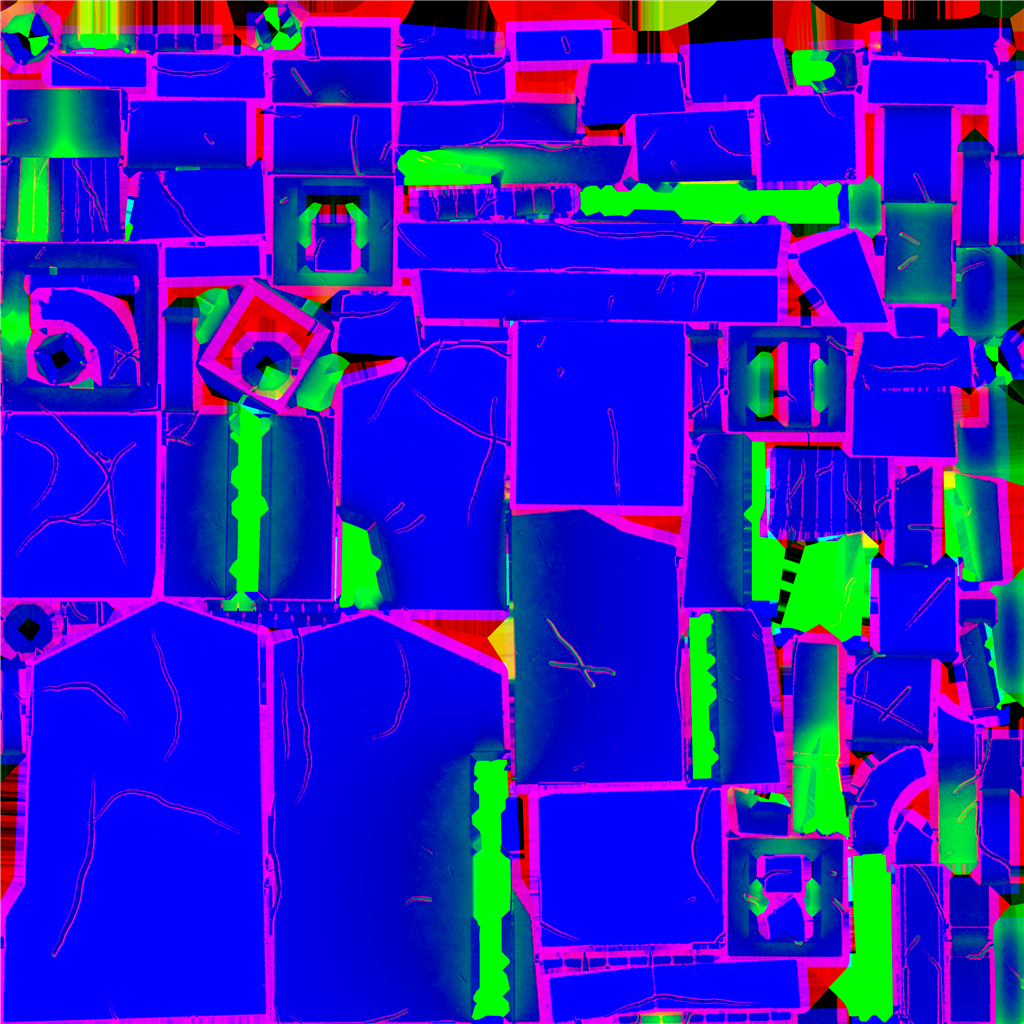
The MASKS texture looks like neon colours because three unrelated masks share its channels.
Step 4: Unreal
The material setup follows the layered material approach: a master material holds the layer stack, material layers define surfaces, and material layer blends decide where each layer shows.
Import settings
| Texture | sRGB | Compression |
|---|---|---|
T_<name>_N |
Off | Normalmap |
T_<name>_MASKS |
Off | Masks |
Master material
The master material is still a work in progress. It is a layered material with one input for the baked normal map, which always sits on top of the layers.
How the masks are used
A material instance of the master takes the asset's normal map and builds its look as a stack of layers:
| Layer | Surface | Shown where |
|---|---|---|
| Background | A surface layer, such as stone | Everywhere |
| Edge highlights | A flat light colour | The red channel of the MASKS texture |
| Dirt | A flat dark colour | The green channel of the MASKS texture |
Each mask-driven layer uses a layer blend that reads one channel of the MASKS texture, with an intensity control.
Running steps with an agent
Houdini, Painter and Unreal each expose an MCP server, so an agent can run the sculpt export, the bake, the mask export and the Unreal import on request. Painter must be started with --enable-remote-scripting, and the Painter and Unreal applications must be open.
The Unreal editor closes if an agent writes list or struct properties (a layer stack, an attribute list) through the generic property tool. Agents create nodes, wire them and set simple values; layer stacks are built by hand in the Layer Parameters tab.
Troubleshooting
| Symptom | Cause | Fix |
|---|---|---|
| Sawtooth along the edge of a face | The face is partly buried in a neighbouring block | Trim the hidden part in the low poly |
| Rainbow or streaked patches in the normal map | The face is fully buried | Delete it from the low poly; it is not visible in game |
| Textures look soft up close | Low texel density | Bake at 4096 with antialiasing; split the asset into kit pieces |
| Large black blobs in the curvature mask | Broad curvature scales are on | Use the Rephrased_Masks generator values above |
| Painter refuses to load the mesh in a UV tile project | UVs fall outside 0–1 | Move them inside |
| Round columns chipped all over in Houdini | Facet edges count as sharp | Raise Sharp Edge Angle to 60 or more |
| Brush strokes erase in Houdini | The F key swapped the brush values | Press Paint Wear again |
Change history
- 2026-10-09 — Gabriel Li — Added the environment wear pipeline: Houdini auto sculpt, Painter bake and masks, Unreal layered material setup.